Portainer GitHub is the public home of the Portainer Community Edition source code. It is where releases are announced, bugs are reported, features are discussed and contributors submit changes. If you run Portainer in production, knowing your way around the repository makes upgrades and troubleshooting far less stressful.
This guide walks through what you will find in the repository, how to read releases, how to use issues well and how to clone the code for review or development.
What the Repository Contains
The repository at github.com/portainer/portainer holds the code for Portainer CE: the server-side application that talks to Docker, Swarm and Kubernetes, and the web interface you use in the browser. It also contains build configuration, documentation files and the licence.
Most users never need to build from source. The repository is still valuable because it is the most direct view of what changed between versions and what the maintainers are working on.
Key Areas at a Glance
| Area | What it is useful for |
|---|---|
| Code | Reviewing how features work and building your own image |
| Releases | Version notes, highlights and upgrade information |
| Issues | Bug reports, known problems and feature discussion |
| Pull requests | Proposed changes and ongoing development work |
| LICENSE and README | Licence terms and project overview |
Understanding Releases
The Releases page is the place to check before every upgrade. Each entry lists notable changes, fixes and sometimes breaking changes or migration notes. Reading it takes a few minutes and can save hours of guesswork after an update.
Portainer publishes long-term support (LTS) and short-term support (STS) releases. LTS releases suit servers that should change rarely, while STS releases bring newer features sooner. The matching Docker tags let you follow the channel you prefer.
Matching Releases to Image Tags
portainer/portainer-ce:ltsfollows the long-term support channel.portainer/portainer-ce:stsfollows the short-term support channel.- Specific version tags let you pin an exact release for strict change control.
Using Issues the Right Way
Issues are a shared space, and good reports get faster answers. Before opening one, search open and closed issues for your error message or symptom. Many common problems, such as setup timeouts or certificate warnings, already have discussions and workarounds.
When you do open an issue, include your Portainer version, environment type (Docker standalone, Swarm or Kubernetes), how Portainer was deployed, and exact steps to reproduce the problem. Screenshots and log snippets help, but remove secrets first.
Cloning the Repository
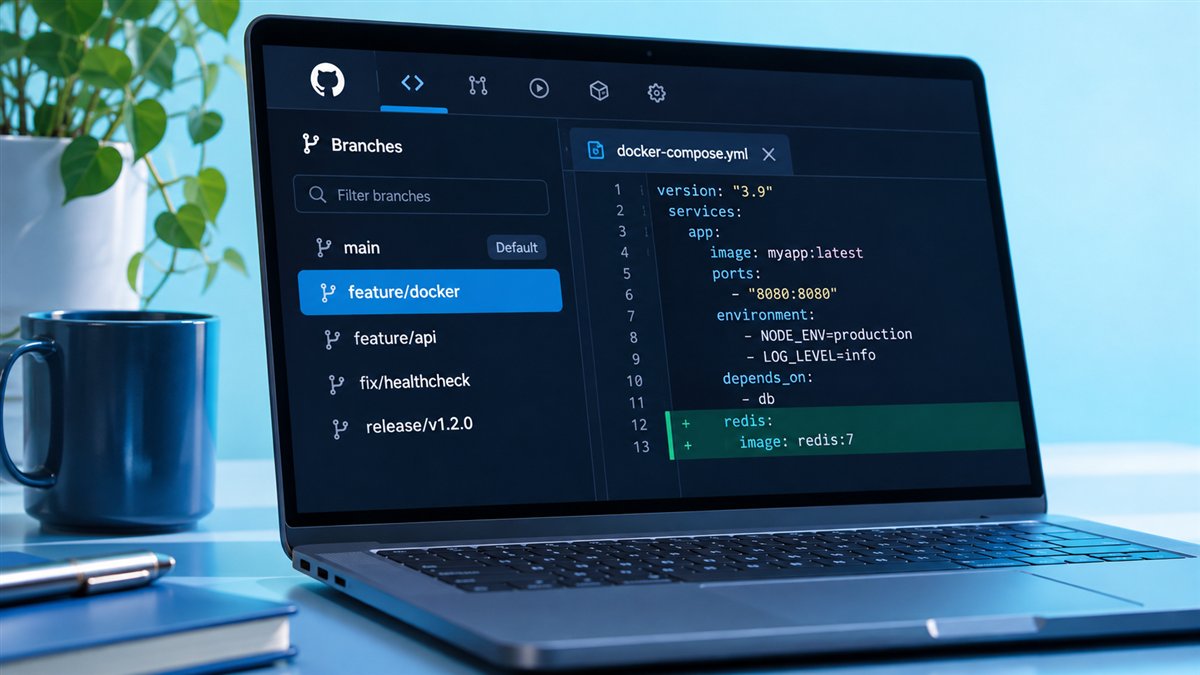
Cloning gives you a full local copy of the source, which is handy for code review, security audits or local development. Use Git with the repository URL:
git clone https://github.com/portainer/portainer.git
cd portainer
Building Portainer from source requires the development toolchain described in the repository's own documentation. Follow those instructions rather than generic guides, because the required tool versions can change between releases.
When Cloning Makes Sense
- You want to review exactly what a release changes before rolling it out.
- You plan to contribute a fix or improvement.
- Your organisation requires building images from audited source.
The Open-Source Licence
Portainer CE source code is published under the zlib licence, which is short and permissive. It allows use, modification and redistribution, with conditions such as not misrepresenting the origin of the software and keeping the licence notice in source distributions.
Business Edition is a commercial product with its own terms, so features available only in that edition are not covered by the CE licence. If licensing matters for your organisation, read the LICENSE file directly and consult your own legal team.
Contributing to Portainer
Contributions are welcome through pull requests. Start by reading the contributing guidelines, then pick an issue or describe your idea in a new issue so maintainers can give feedback before you invest time.
Keep pull requests focused on one change, follow the existing code style and include a clear description of what you changed and why. Small, well-explained contributions are much easier to review and merge.
Repository vs Website vs Docs
New users sometimes confuse the GitHub repository with the documentation site or product website. Each has a different job, and using the right one speeds up every task.
| Resource | Best for |
|---|---|
| GitHub repository | Source, releases, issues and contributions |
| Documentation | Installation, configuration and feature guides |
| Container registry | Pulling the runnable images |
Watching the Repository for Updates
GitHub lets you watch a repository and choose which events trigger notifications. Selecting releases only is a simple way to hear about new Portainer versions without being flooded by every issue comment or pull request.
Teams that manage several instances often pair this with a short internal checklist: read the notes, upgrade a test instance, then roll out to production. The repository becomes the starting point of a calm, predictable upgrade routine.
- Use the "Releases only" watch setting for quiet notifications.
- Star the repository to find it quickly later.
- Subscribe to specific issues that affect your environment.
Frequently Asked Questions
No. The repository holds the source code and release notes, while the Docker image is the packaged build most people run. You normally pull the image rather than building from source.
The Community Edition source code is published under the zlib licence, a permissive open-source licence. Check the LICENSE file in the repository for the exact terms.
Search the repository's existing issues first. If nothing matches, open a new issue with your version, environment type and clear reproduction steps.
Yes. Read the contributing guidelines in the repository, discuss larger changes in an issue first and submit focused pull requests.
Conclusion
Portainer GitHub is far more than a code archive. It is the best place to check releases before upgrading, search for known problems, report bugs clearly and understand the licence behind Portainer CE.
Bookmark the Releases page, keep an eye on issues that affect your setup and continue with our download guide when you are ready to pull the image.